


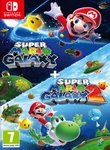
 Super Mario Galaxy + Super Mario Galaxy 2 + 5 Switch Emulators-FitGirl


 Adventure, Action
Explore the galaxy in two classic games
Travel the stars with Mario in enhanced versions of these beloved adventures—now available on the Nintendo Switch™ system! Also playable with a free update for Nintendo Switch 2.
With enhanced resolution (1080p on Nintendo Switch/4K* on Nintendo Switch 2), improved UI, extra Storybook Chapters, a new Assist Mode, and more, Super Mario Galaxy and Super Mario Galaxy 2 are now out of this world!
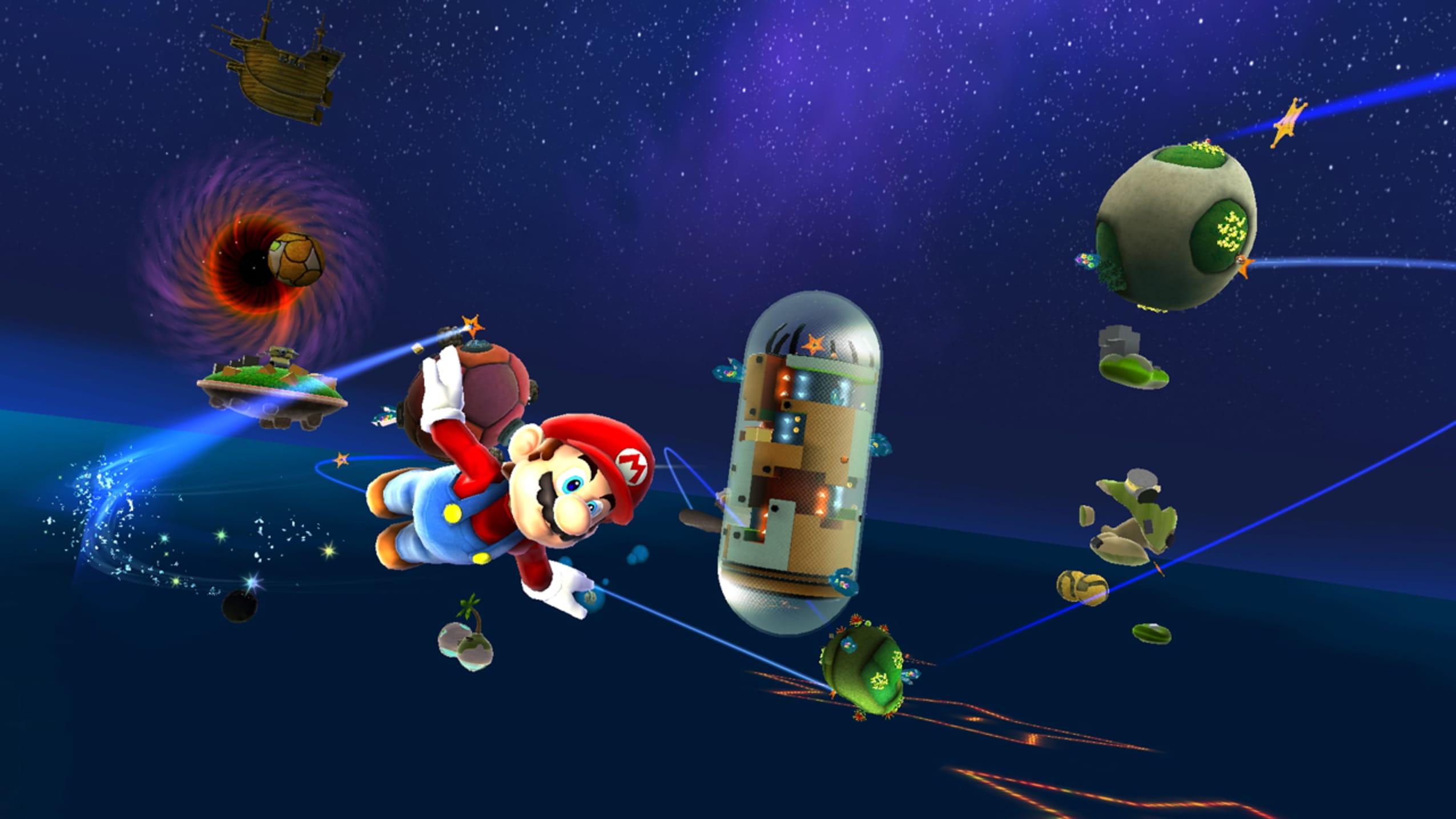
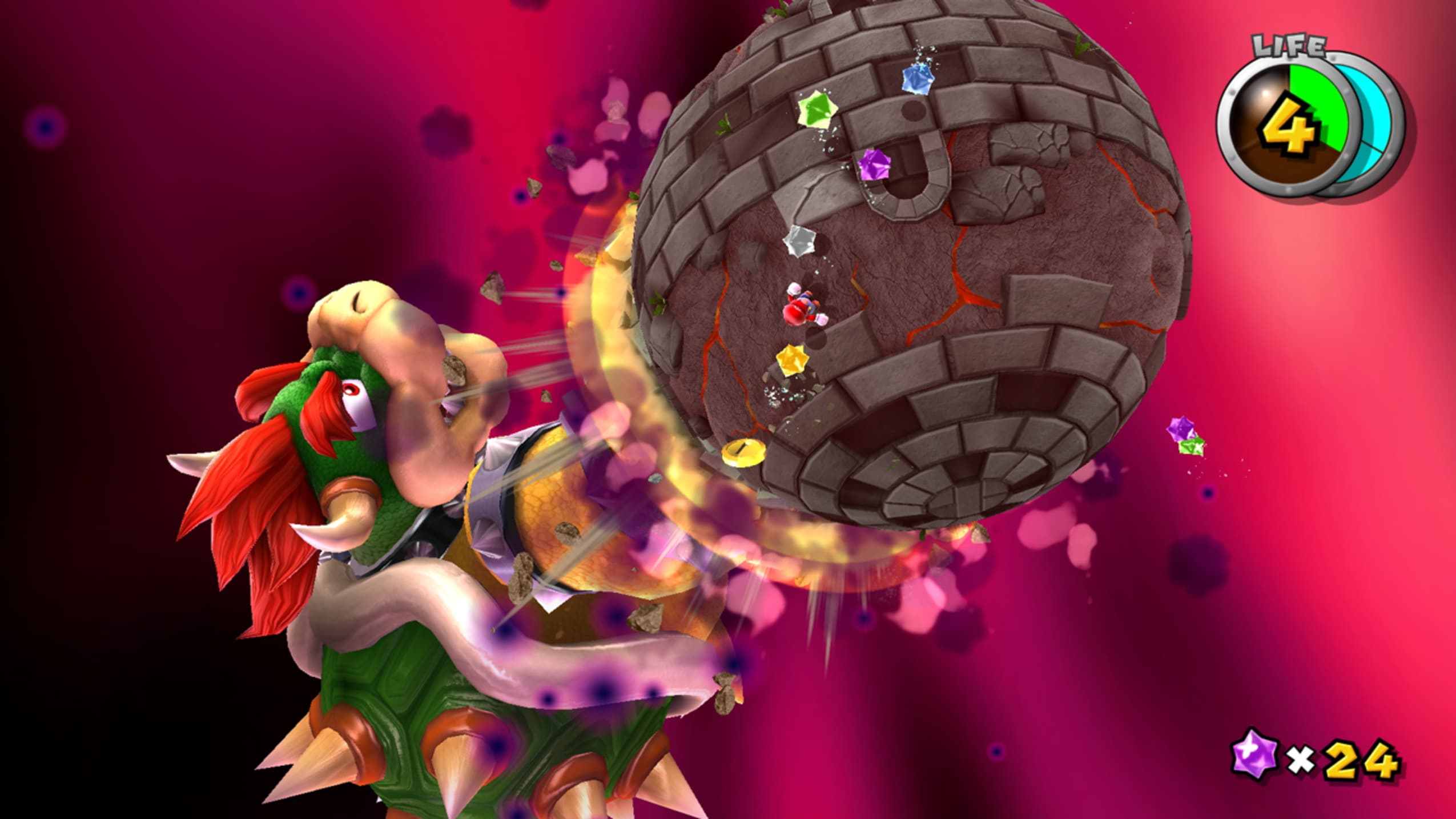
Save the galaxy from Bowser and his minions in the original planet-hopping adventure, now improved for the Nintendo Switch™ system!
Bowser has attacked the Star Festival, abducted Princess Peach, and put the whole galaxy in danger! Join up with Rosalina and the Lumas, protectors of the cosmos, to restore the Comet Observatory and rescue the princess. Use power-ups like the Bee Mushroom to fly, the Boo Mushroom to float and move through certain types of barriers, and more on your journey to reclaim the Power Stars!This journey across the cosmos features enhanced resolution, improved UI, and additional content on the Nintendo Switch™ system. Use button, stick, and motion controls—adapted to the Joy-Con™ controllers from the original Wii™ versions—to jump, glide, swing, and more as you collect Power Stars and power-ups. Learn more about the Lumas from an additional Storybook chapter, and groove to all the game’s music, including a few additional tracks, in soundtrack mode. You can also give yourself additional Health and fall recovery with Assist Mode and use compatible amiibo™ figures* for a little extra help in your adventure. The galaxy awaits!
··Downloadlinks··





Bypassing softlock on the 1st cutscene of SMG1
On most systems ALL emulators may give you a softlock or emulator crash right before or right after the first cutscene. There are different yet unstable ways to bypass it, so for simplicity I’ve included the save file right after that cutscene. So you may start the game as usual, play until you softlock, quit it and replace the save with the one I’ve included and continue from it.
Copy “GameData.bin” from “_Save post-cutscene” folder to:
for Ryujinx:
Right mouse button on the game title, “Open User Save Directory”, copy “GameData.bin” to “MarioGalaxy” folder, replacing the existing one.
for all Yuzu forks:
Right mouse button on the game title, “Open Save Data Location”, copy “GameData.bin” to “MarioGalaxy” folder, replacing the existing one.
- Based on two scene Switch releases: Super_Mario_Galaxy_NSW-VENOM (3.7 GB) & Super_Mario_Galaxy_2_NSW-VENOM (2.8 GB)
- Games version: v1.2.0
- Ryujinx (v1.3.2, June 10, 2025, 32 MB), Citron (v0.7.1, October 3, 2025, 31 MB), Eden (v0.0.3, September 4, 2025, 28 MB), Sudachi (v1.0.15, March 25, 2025, 22 MB) and Torzu (Initial Build, November 19, 2024, 85 MB) Switch emulators are included and preconfigured
- Switch Firmware v20.3.0 (340 MB) added
- Use the included custom launcher to test all five emus and use the one which performs better on your system
- 100% Lossless, but NOT MD5 Perfect: encryption was removed for better repack size
- NOTHING ripped, NOTHING re-encoded
- Smaller archive size (compressed from cumulative 7 to 4.2 GB)
- Installation takes 2-4 minutes (depending on your system)
- After-install integrity check so you could make sure that everything installed properly
- HDD space after installation: 7.1 GB
- Language can be changed in emulators’ settings
- At least 2 GB of free RAM (inc. virtual) required for installing this repack